
How to Avoid Buying a Stolen Phone in Uganda
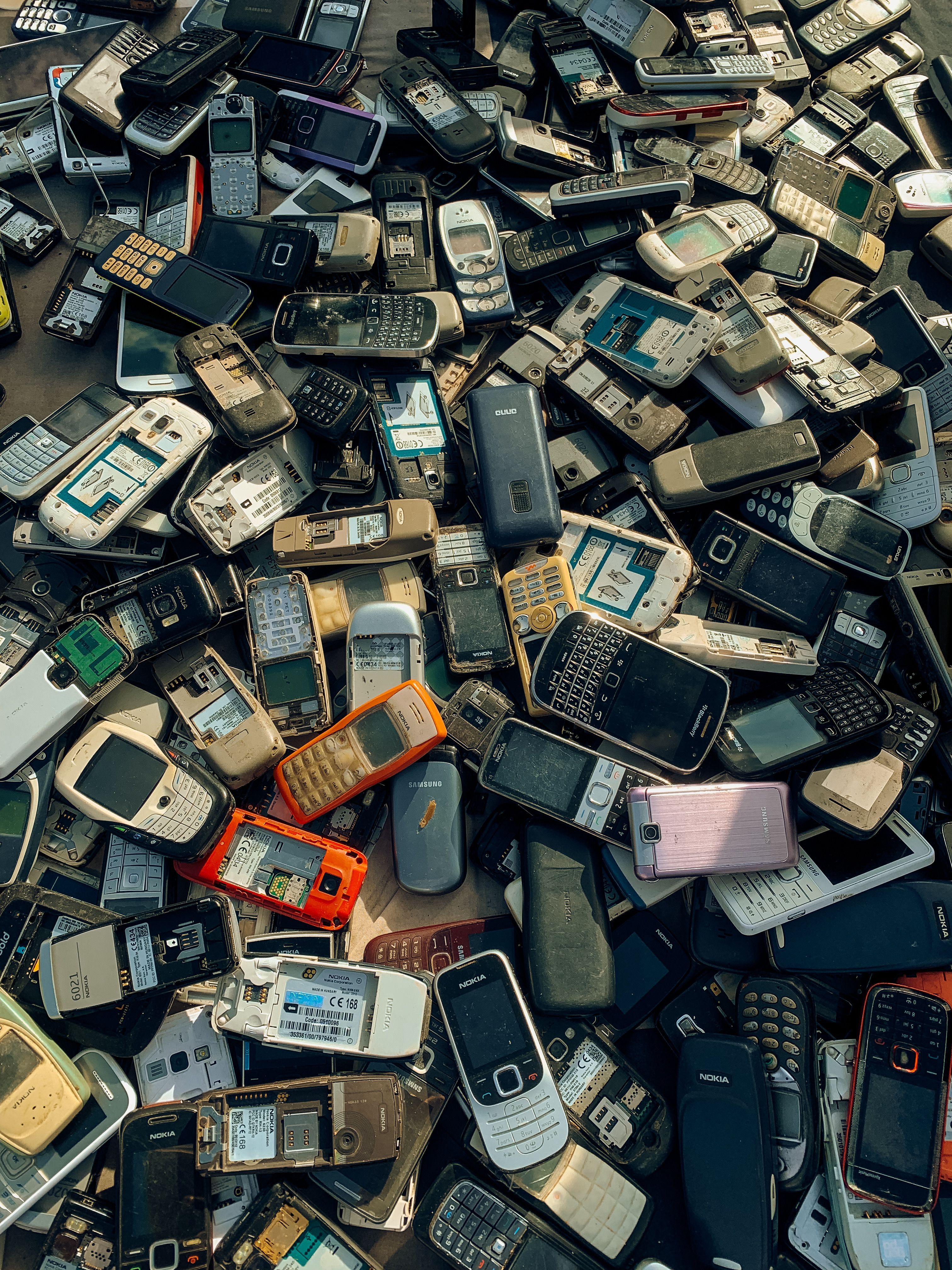
Buying a used smartphone can save you money, but it also comes with risks. Learn how to spot stolen devices, verify an IMEI, avoid activation locks, and safely buy second-hand phones in Uganda. This guide covers essential checks every buyer should make before handing over their money.
How to Avoid Buying a Stolen Phone in Uganda
Protect your money, your data, and your peace of mind.
The second-hand smartphone market has made technology more accessible than ever. Whether you’re looking for a flagship phone at half the price or simply upgrading on a budget, buying used can be a smart decision.
Unfortunately, it’s also where many stolen devices end up.
Every year, thousands of smartphones disappear through theft, robbery, or fraud. Many are quickly resold online, through social media, or local marketplaces. If you’re not careful, you could unknowingly buy a stolen phone that becomes unusable or even links you to a criminal investigation.
Here’s how to shop safely.
Why stolen phones are a problem
A modern smartphone is worth more than the hardware inside it.
It contains banking apps, personal photos, business information, passwords, and digital identities. While manufacturers have introduced stronger security features like Activation Lock and Find My Device, stolen phones are still valuable for parts or for unsuspecting buyers.
Buying a stolen phone can lead to:
A device that becomes permanently locked.
Losing your money with no way to recover it.
Being unable to receive software updates.
Difficulties proving ownership.
Potential legal complications if authorities trace the device.
1. Buy from trusted sellers
The safest purchase is one made from a seller who has a reputation to protect.
Look for sellers who:
Have verified profiles.
Have completed previous successful sales.
Respond clearly to your questions.
Provide genuine photos of the actual phone.
Avoid sellers who:
Refuse to meet in person.
Only communicate through disappearing messages.
Pressure you into paying immediately.
Have recently created accounts with no history.
2. Check the IMEI number
Every mobile phone has a unique IMEI (International Mobile Equipment Identity).
Before paying:
Dial *#06# to display the IMEI.
Compare it with the number printed on the SIM tray, box, or Settings.
Ensure the numbers all match.
If they don’t, walk away.
You can also ask your mobile network or use trusted IMEI checking services to determine whether the device has been reported lost or stolen.
3. Verify the phone is no longer linked to someone else’s account
This is one of the biggest mistakes buyers make.
For iPhones:
Ensure Activation Lock has been removed.
The seller should erase the phone and sign out of their Apple Account before handing it over.
For Android:
Confirm Factory Reset Protection (FRP) will not require the previous owner’s Google account after resetting.
If the seller says:
“Just use it like this.”
Don’t buy it.
4. Meet in a safe public place
Never purchase expensive electronics in isolated areas.
Good meeting locations include:
Shopping malls
Cafés
Office buildings
Mobile phone service centres
Bring a friend whenever possible.
5. Test everything
Don’t rush.
Before paying, check:
Display
Cameras
Speakers
Microphones
Charging port
SIM detection
Wi-Fi
Bluetooth
Mobile network
Fingerprint or Face ID
Battery health (if available)
Spend at least 10–15 minutes testing the phone.
6. Ask for proof of ownership
A genuine seller usually has at least one of these:
Original receipt
Purchase invoice
Original box
Warranty documents
Not everyone keeps receipts, but hesitation or inconsistent explanations should raise concerns.
7. Be suspicious of deals that seem too good
If a UGX 4 million phone is selling for UGX 800,000, there’s usually a reason.
Professional thieves rely on urgency.
Common phrases include:
“I need money today.”
“I’m travelling tonight.”
“First come, first served.”
“Don’t ask too many questions.”
Take your time.
8. Reset the phone before you leave
If possible, perform a complete factory reset during the meeting.
This confirms:
No hidden accounts remain.
The phone activates normally.
You can complete the setup using your own account.
If activation asks for someone else’s Apple ID or Google account, do not continue with the purchase.
9. Keep a record of the sale
Save:
Seller’s name
Phone number
Chat history
Payment confirmation
Date and location of purchase
Photos of the phone
IMEI number
These records may be helpful if issues arise later.
10. Trust your instincts
If something feels wrong, leave.
There will always be another phone for sale.
The best buyers are patient buyers.
Tips for Sellers
Selling your phone?
Help buyers trust you by:
Removing all personal accounts.
Factory resetting the phone.
Providing clear photos.
Sharing the IMEI when requested.
Including accessories and the original box if available.
Being transparent about scratches or repairs.
Trust builds better sales.
Buying Through SPLY
At SPLY, we’re building a marketplace where buyers can make informed decisions.
Before purchasing:
Review the listing carefully.
Ask questions.
Request additional photos.
Verify the IMEI.
Meet safely.
Test before paying.
A little caution can save you millions of shillings—and a lot of frustration.
Final Thoughts
A second-hand smartphone can be one of the best purchases you’ll ever make—but only if it’s legitimate.
Take a few extra minutes to verify the device, meet safely, and check that everything works properly.
The goal isn’t just to find the cheapest phone.
It’s to buy one you can use with confidence for years to come.